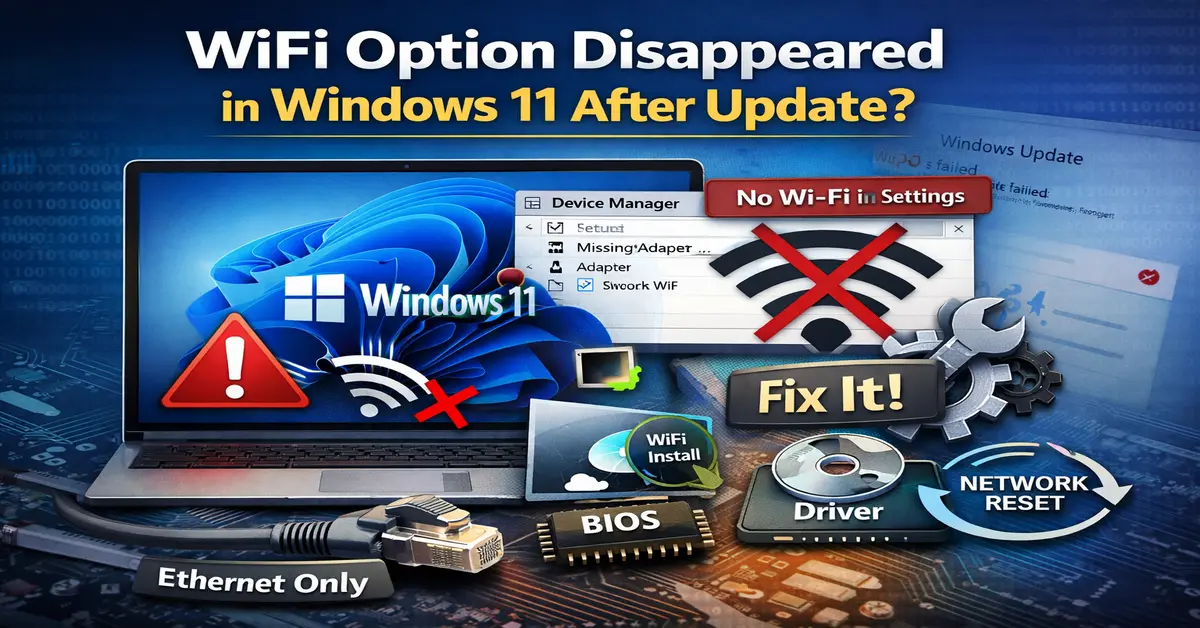
This featured image illustrates the common issue where the WiFi option disappears in Windows 11 after a system update. It highlights key troubleshooting methods such as enabling the wireless adapter in Device Manager, reinstalling the correct WiFi driver, performing a network reset, and checking BIOS settings. The visual is designed to represent real user symptoms like “Ethernet only” mode and the missing WiFi toggle, making it relevant for step-by-step Windows 11 network repair guides.